Recently I ran productize.life through a tool called isitagentready.com. It scans how ready your site is for AI agents to actually use, and the result was blunt and useful: the standard endpoints an agent checks to learn what a site offers (the /.well-known/... family) all returned 401, because they sat behind a password gate. In plain terms, an agent looking at the site saw nothing at all.
I spent hours fixing it. But the part worth telling is not "I ticked everything." Several items on the isitagentready list are ones you should not do for a content site. Once I sorted the real ones from the fake ones, I ended up doing 8, refusing 3, and skipping 1. This post is the reasoning behind each pile.
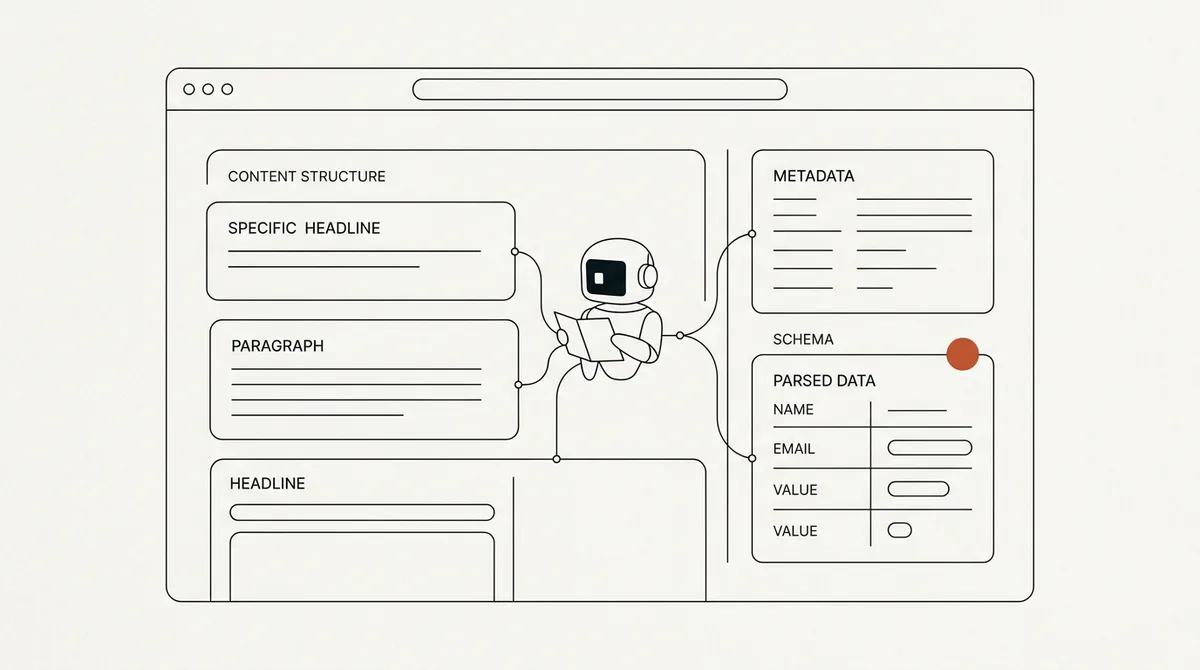
Part 1A tool that scores how agent-ready your website is
First, a straight recommendation: isitagentready.com is a good radar. It sends the kind of requests an agent really sends, then tells you what your site is missing. Mine caught immediately that the homepage and the standard endpoints were hidden behind a password gate, so agents saw nothing. That was a real gap I did not know I had.
But every scanner shares one habit: it gives you a generic checklist that grades a large SaaS platform and a personal blog by the same yardstick. When that is the case, some items just do not fit your site. Ticking them all is not the goal. The goal is to do the items that are real for this site, and know which ones to skip.
Part 2The 8 I did: one principle, point at something real
All 8 things I did share a single principle: everything you publish has to point at something that actually exists on the site. This blog already has that real thing, namely every article, all public:
- Link headers (RFC 8288) tell an agent, right from the response header, where to go to read the list of resources
- MCP server card + endpoint declares that this site has a read-only MCP server, exposing two real tools: list the articles, and fetch an article as text
- Agent Skills index the full list of articles with a digest, ready for an agent to pick up
- WebMCP exposes the same tools to an agent running in the browser
- API catalog (RFC 9727) points at the MCP endpoint that actually exists
- Web Bot Auth publishes a real public key (self-generated) so other sites can verify requests signed by us
- DNS-AID publishes DNS-level records that point the way to these endpoints
- Markdown for Agents if an agent asks for markdown it gets the article as markdown if a browser visits, it gets HTML as before
The last one has a useful detail. Cloudflare offers this feature, but locks it behind a paid plan. So I built it myself in code I already control. It is just content negotiation: look at the header the agent sends, and if it asks for markdown, convert the article and return it. No extra subscription. Knowing what you can build yourself for free is part of the judgment too.
Part 3The 3 I refused: do not advertise capabilities you do not have
This is the heart of it. The scan pushed me to publish these: OAuth/OIDC discovery, OAuth Protected Resource, and auth.md for agent registration. All three ask you to expose files that announce the site has an "authentication server" where agents can register, request a token, and sign in.
But this blog has no such system. The MCP endpoint I exposed is deliberately public and read-only, with no login. If I published those files, an agent that trusted them would try to authenticate against a server that does not exist, and fail right there.
This is where a checklist fools you most easily. Ticking them all looks more agent-ready, but it actually makes the site less agent-ready, because advertising a capability that is not real wastes the time of, and breaks, the agents that trusted you. Refusing these three is what makes the site honest, not lazy.
Part 4The 1 I skipped on purpose
The one I skipped is DNSSEC. The list recommends signing your DNS zone for security. I tried to turn it on, but hit a real wall. The domain productize.life is registered in one place, while its DNS lives in another (because the whole back end runs there). Our registrar supports DNSSEC only when you use its own name servers, so it cannot publish the signature for the current DNS provider.
The only way to earn this checkmark would be to transfer the domain registration entirely, which carries its own cost and hassle. For a blog where the DNS-AID records already work, moving the domain just to tick one box is not worth it. So I wrote down that I will revisit it only if I move the domain for some other reason. This is a "no" with a wake-up condition, not a permanent veto.
Part 5The lesson: deployed is not the same as live
Along the way I hit a trap worth warning about. When I deployed, the system showed a nice green "READY", but the live page was still the old version. The reason was that the host the back end reads from was frozen on a build from 11 hours earlier the new deploy had landed under a different name and did not move with it.
The lesson is that "deploy succeeded" and "actually live" are two different things. What you can trust is the ground truth: send a request to the real URL and look at the bytes that come back, not a green status on a screen. The rest were small things, like returning markdown but forgetting it still carried a header saying it was compressed when it was not. I caught that because I tested locally before going live.
Use it tomorrow
- Use a scanner like isitagentready as a radar it surfaces real gaps you missed
- Everything you publish has to point at something that actually exists on the site
- Never publish a file that claims a system (auth, registration) the site does not have a fake checkmark makes you less agent-ready
- When you skip an item, skip it with a wake-up condition, not a permanent veto
- Confirm with real ground truth, not a tool's "success" status
Where to start run your site through isitagentready.com, and before you do every item, ask one question: does this point at something I actually have? If not, skip it.
- Our own work, every endpoint live-checkable at /.well-known/mcp/server-card.json, /.well-known/agent-skills/index.json, /.well-known/api-catalog (session 2026-06-19)
- isitagentready.com isitagentready.com
- Model Context Protocol modelcontextprotocol.io
- RFC 8288 (Web Linking), RFC 9727 (API catalog), RFC 9460 (SVCB/DNS), WebMCP (W3C draft), Cloudflare Markdown for Agents docs
This is one layer of the full production AI agent architecture (7 layers).